Tell clat.ai what you want to fix: caches, apps, disk space, or a quick health check.
You get a plan, the sizes, and an execution you can undo.
Tested and verified across 863 Mac apps
 Google Chrome
 ChatGPT
 WeChat
 Telegram
 Claude
 Cursor
 Xcode
Xcode Docker
 iTerm2
 GoLand
 Sublime Text
 GitHub Desktop
 Blender
 Safari
 QQ
QQ Lark
Lark Tencent
 Steam
Steam Parallels Desktop
 DBeaver Community
 Infuse
 Grok Bot
 Muse
Muse clat.ai
Every folder shows its size and risk level; system-level items start unchecked, and Rust re-validates the paths before execution.
How cleaning works →We look for preferences, containers, caches and launch items by both bundle ID and display name; bookmarks, chats and photos are kept by default.
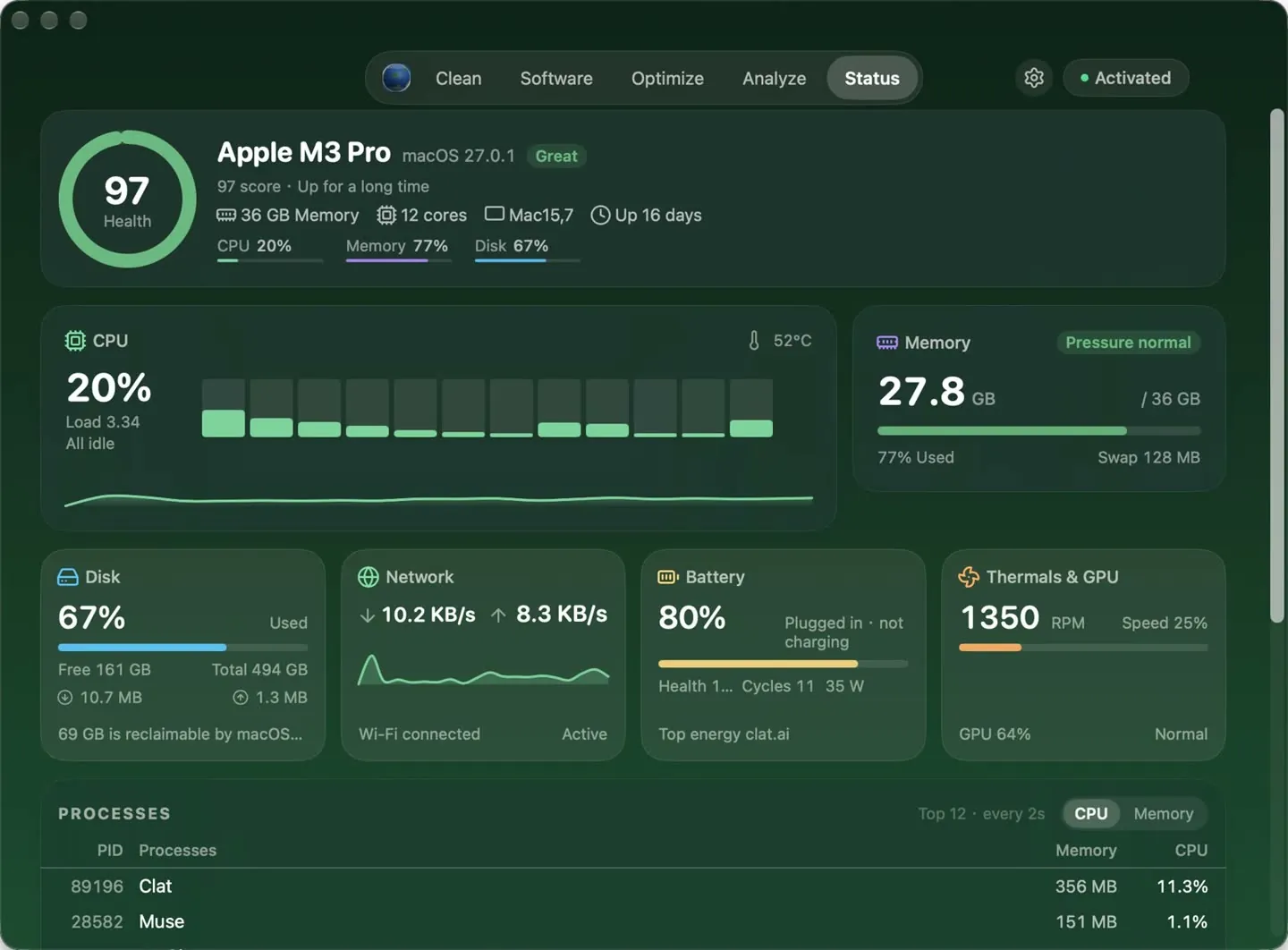
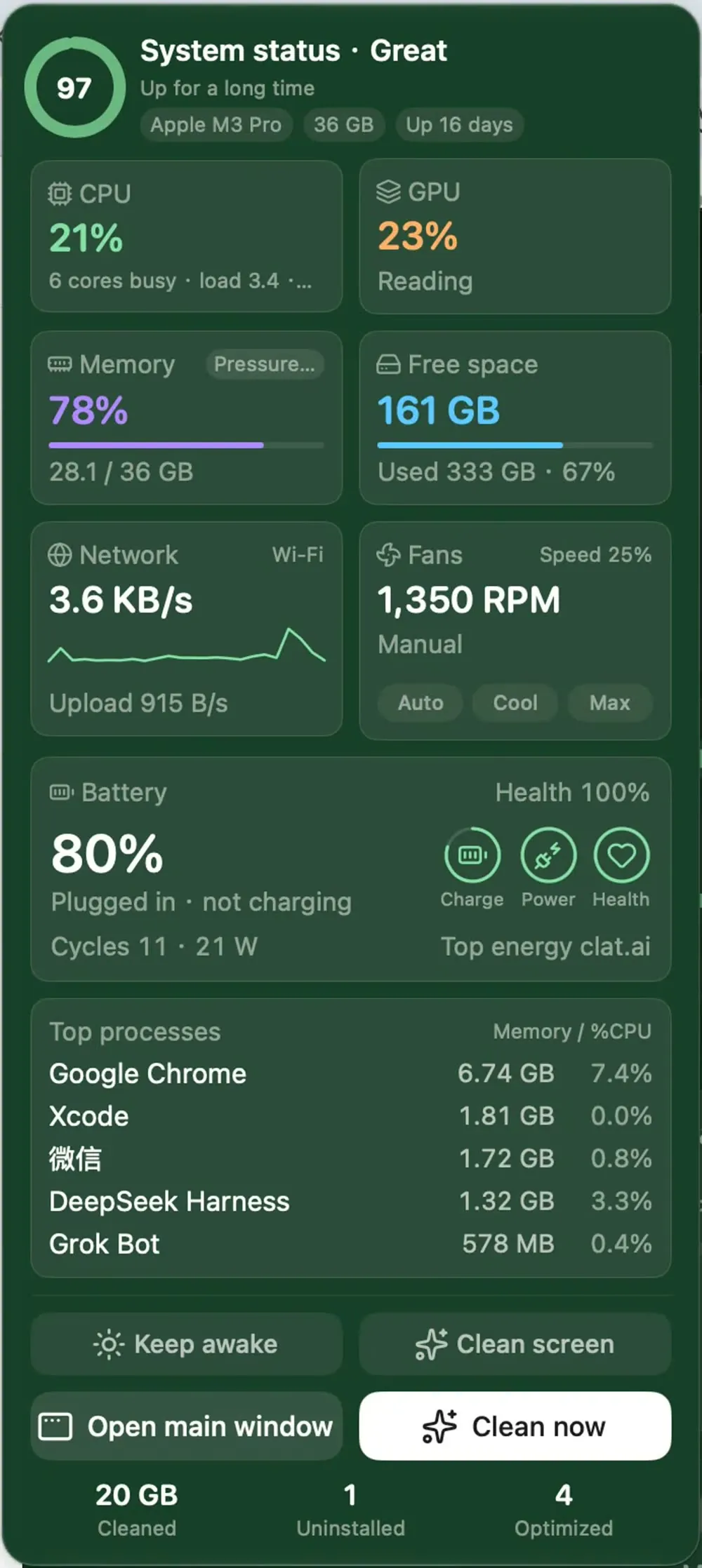
How uninstalling works →Per-core CPU, memory pressure, disk I/O, network, battery, temperature and fan speed; the panel only refreshes when you open it.
How status works →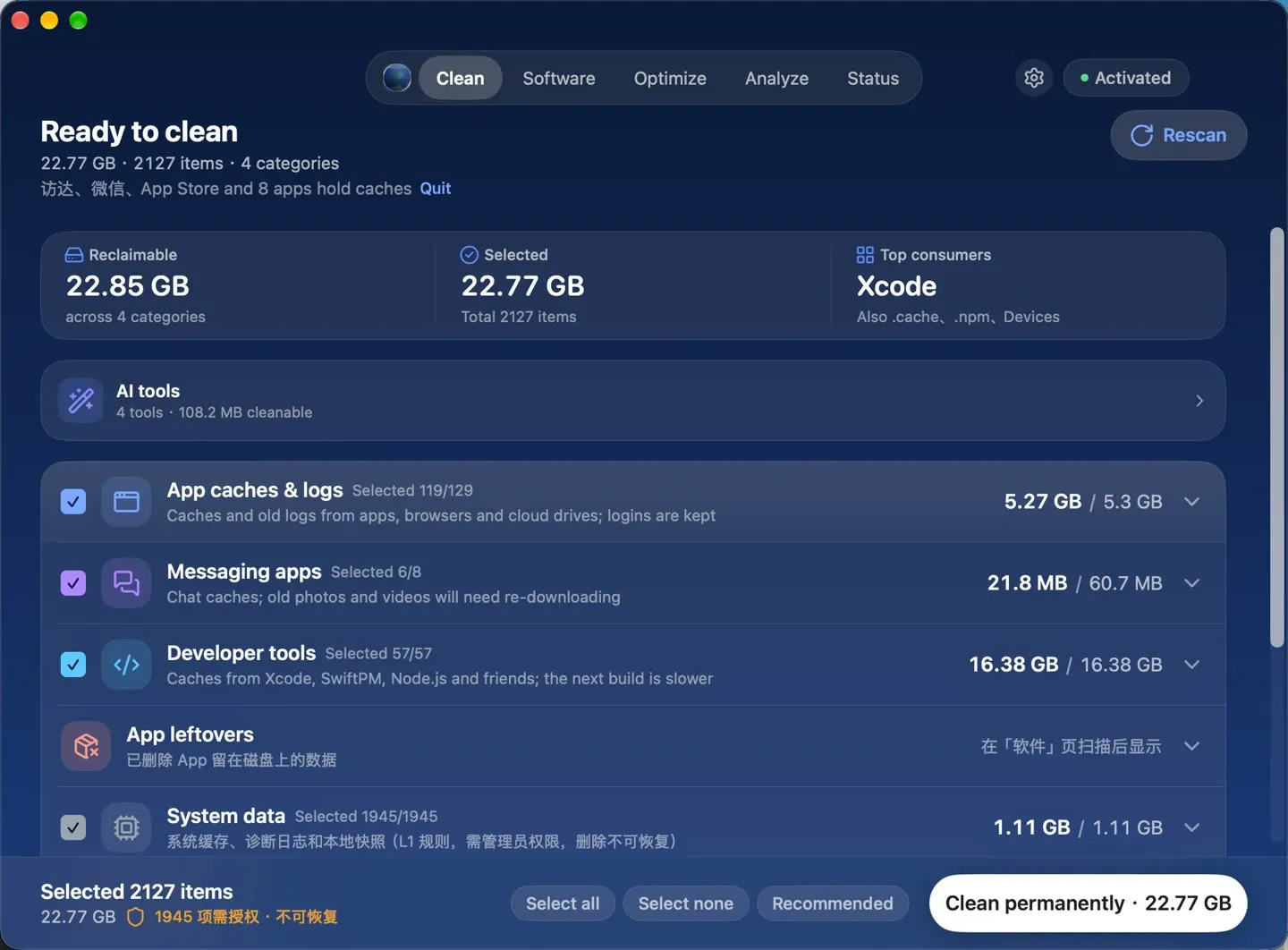
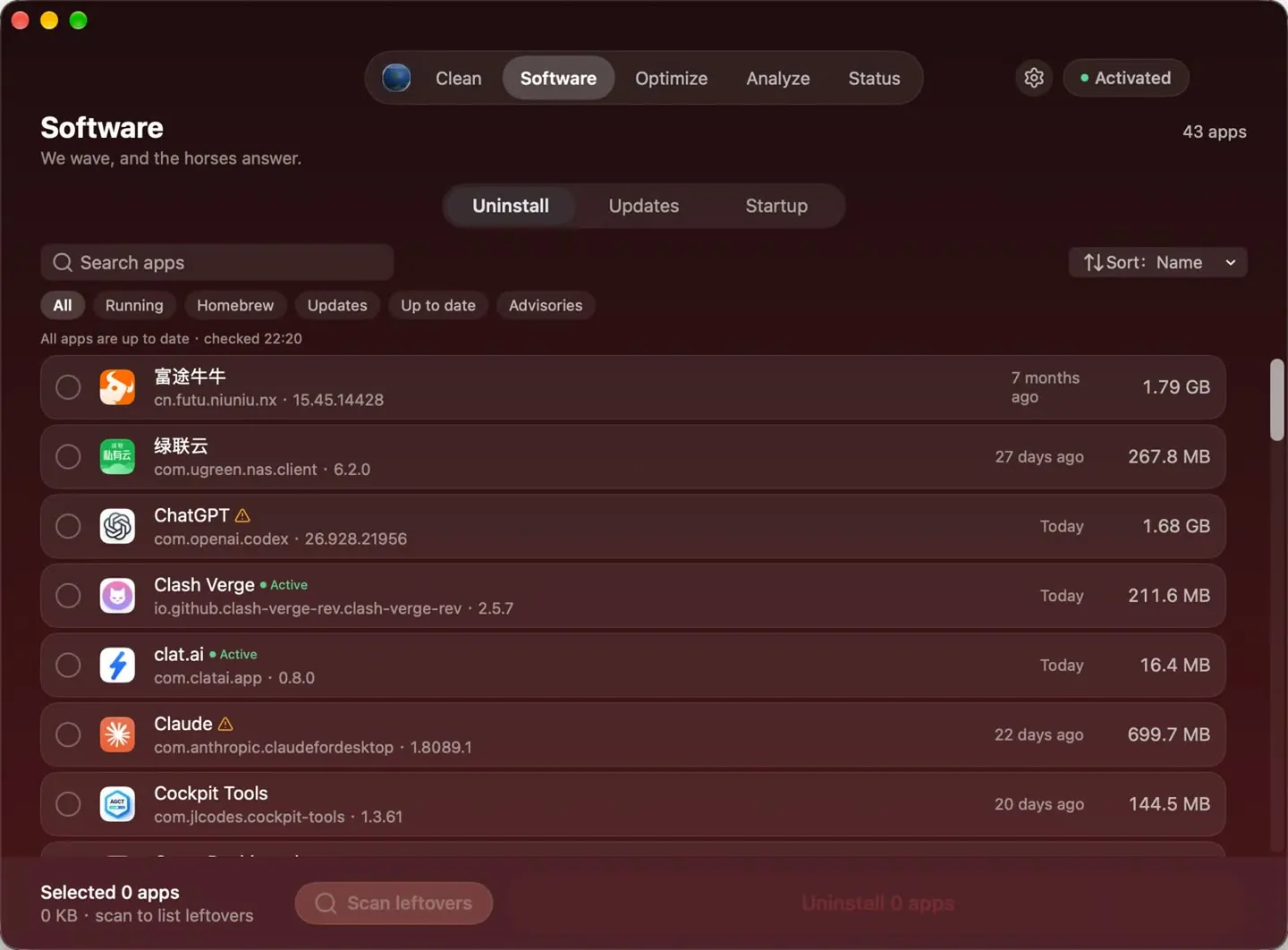
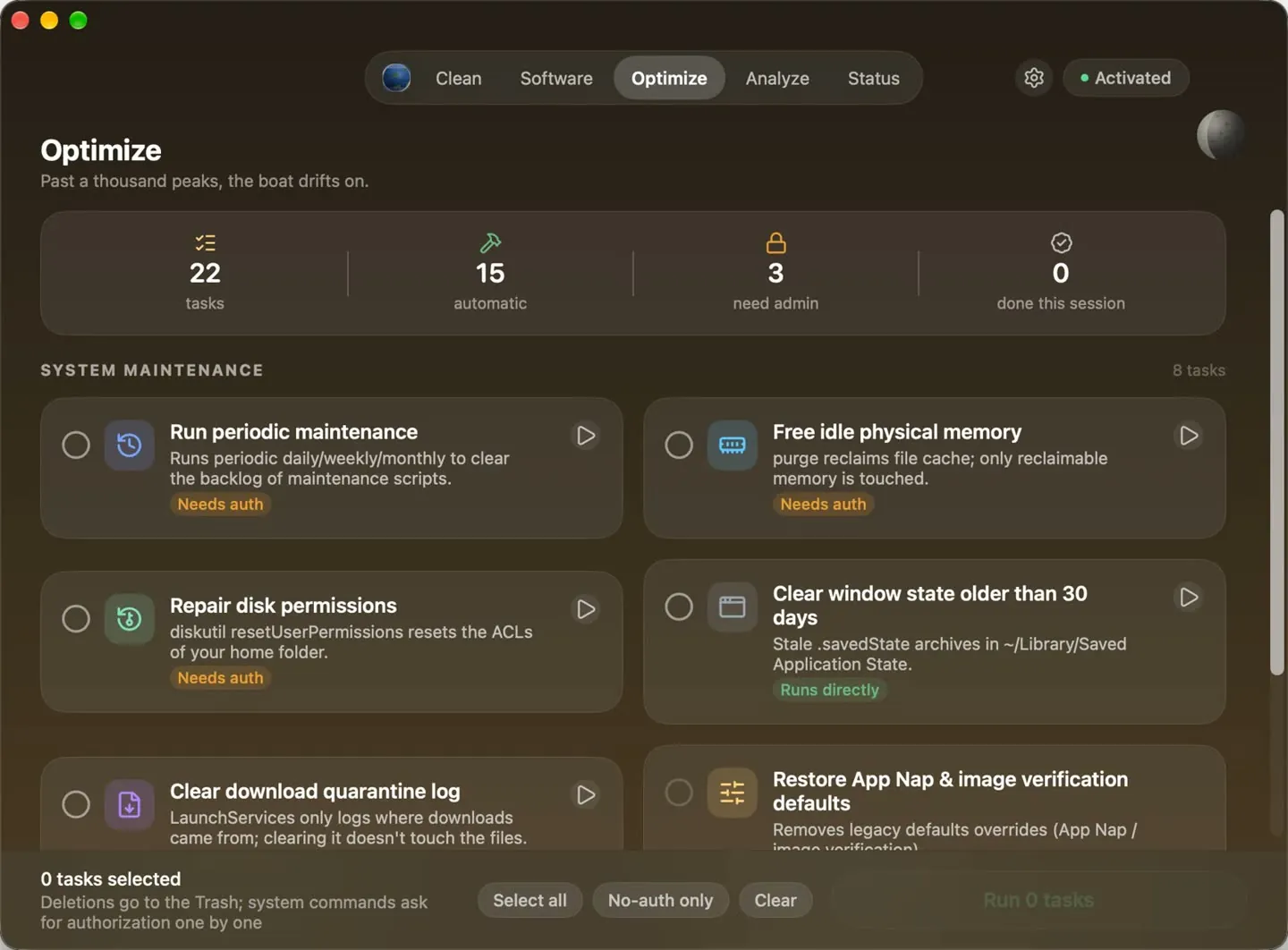
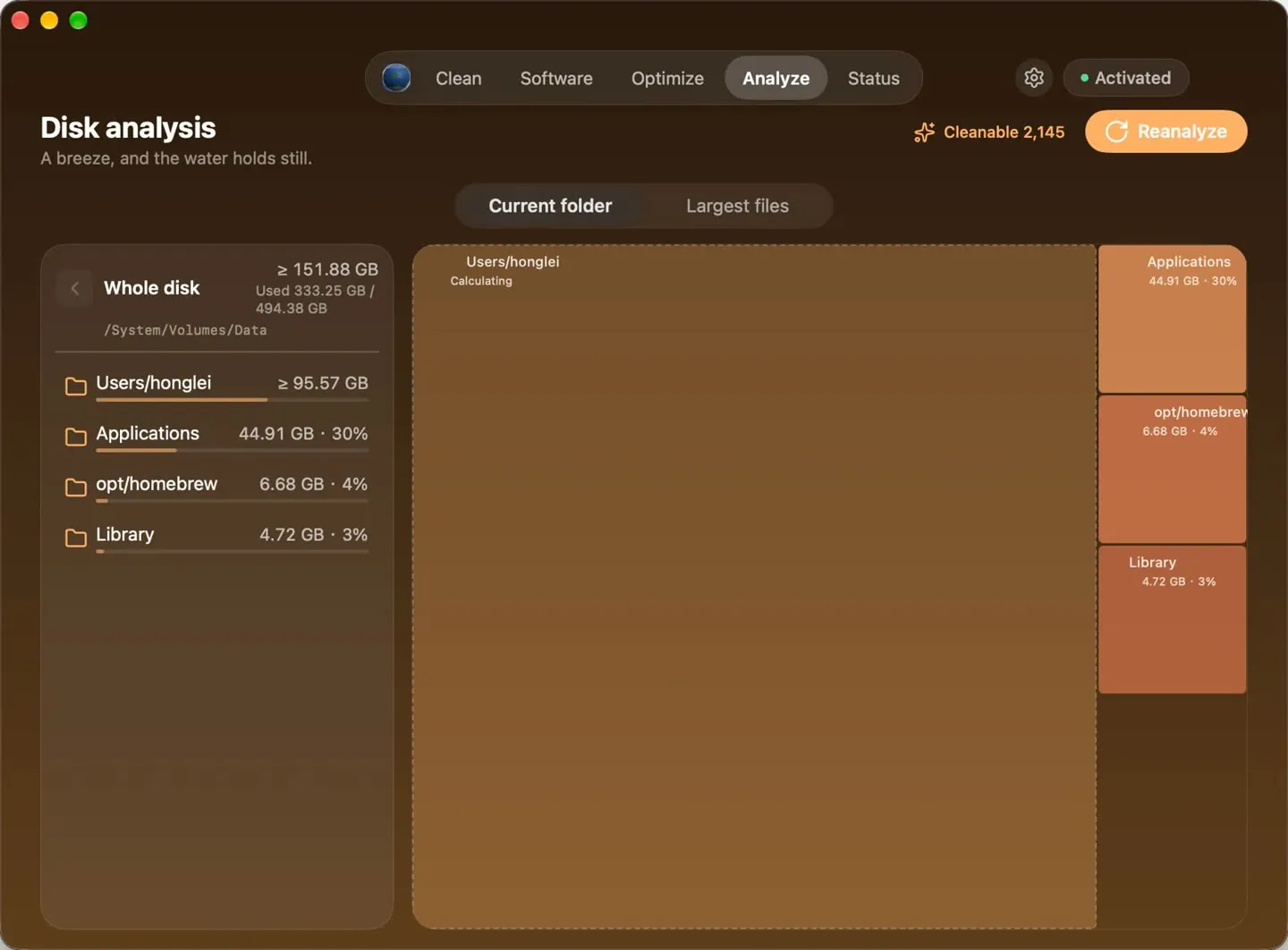
 Clean plan · categories, sizes and risk at a glance